1
Open the official Fortebet site for your country. Type the address yourself or use a saved bookmark.
Fortebet
Access your account, balance and bets in under a minute. Bonus amount and terms vary, check them on the official site, 18+ only.
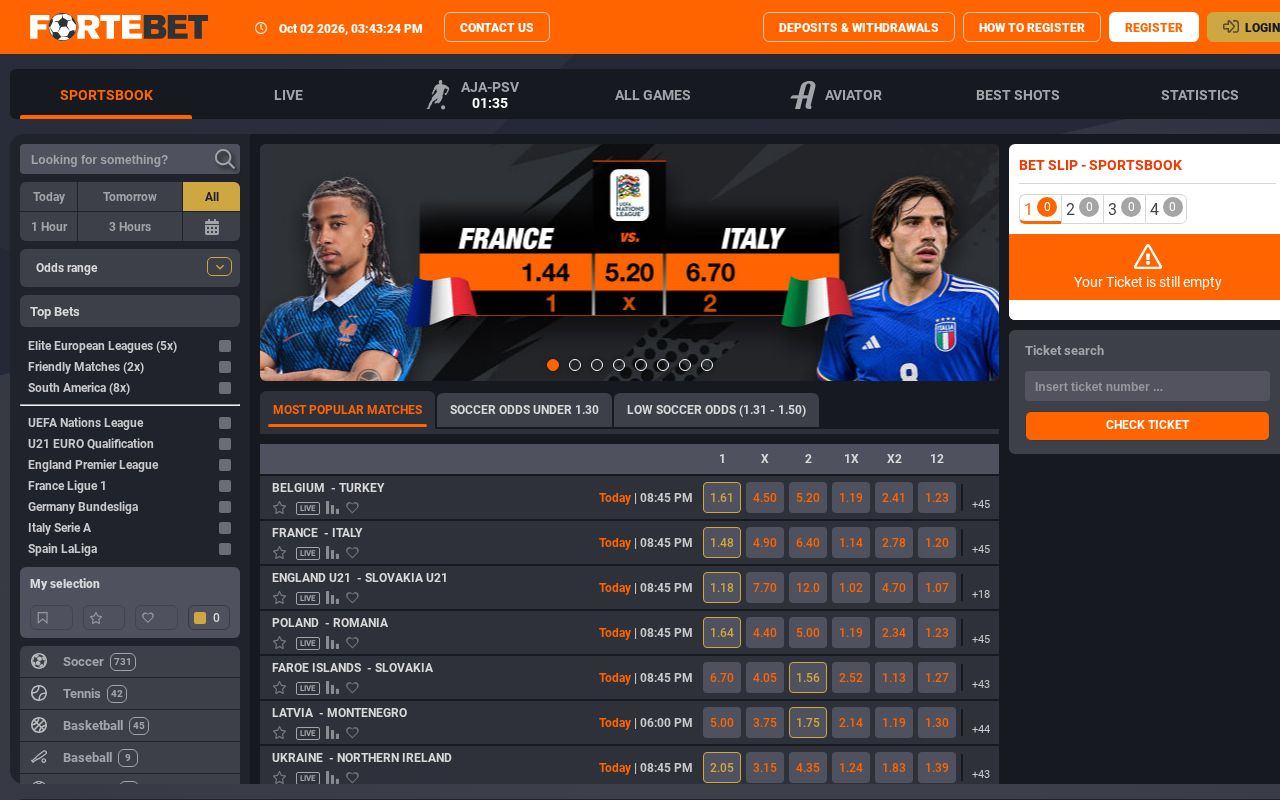
Open the official Fortebet site for your country. Type the address yourself or use a saved bookmark.
Click or tap the Login button at the top of the page.
Enter the account details you chose at registration, then your password.
Confirm the login and check that your balance and name appear in the account area.
On a shared device, log out after your session.
| Access point | Address | What to know |
|---|---|---|
| Nigerian site | fortebet.ng | Main address for players in Nigeria. Check local terms here. |
| International site | fortebet.com | Official Fortebet website for betting and casino. |
| Desktop version | desktop.fortebet.ug | Full layout with sportsbook, slots and account pages. |
| Mobile version | mobile.fortebet.ug | Light layout with Login, Deposit and Withdraw menus. |
| Mobile app | Link in the site footer | The site lists a Mobile app. Download only from the official link. |
| Support | [email protected] | Email for access problems. Phone lines are listed on the contact page. |
Fortebet uses four official addresses. In Nigeria the brand works through fortebet.ng. The operator also runs fortebet.com, plus desktop.fortebet.ug and mobile.fortebet.ug.
What this means in practice: your account is tied to the site where you registered. Accounts may not carry over between country versions. If you signed up on fortebet.ng, log in there. I recommend not mixing sites, because balances and terms can differ.
Fake copies of betting sites exist. They look similar and ask for your password. A short check helps. Look at the address bar before you type anything. The domain must match one of the names above exactly. A full overview of all addresses is on our official Fortebet domains page.
About the operator: according to the operator's website, the company is Massalia Ltd., Plot 3 Dundas Road, Kololo Courts, Kampala, Uganda. This detail comes from the Ugandan site rules. Please check the licence on the website for the Nigerian version yourself. I could not find licence details for Nigeria in the official documents I reviewed.
Tip: save the correct address as a bookmark and log in only from it.
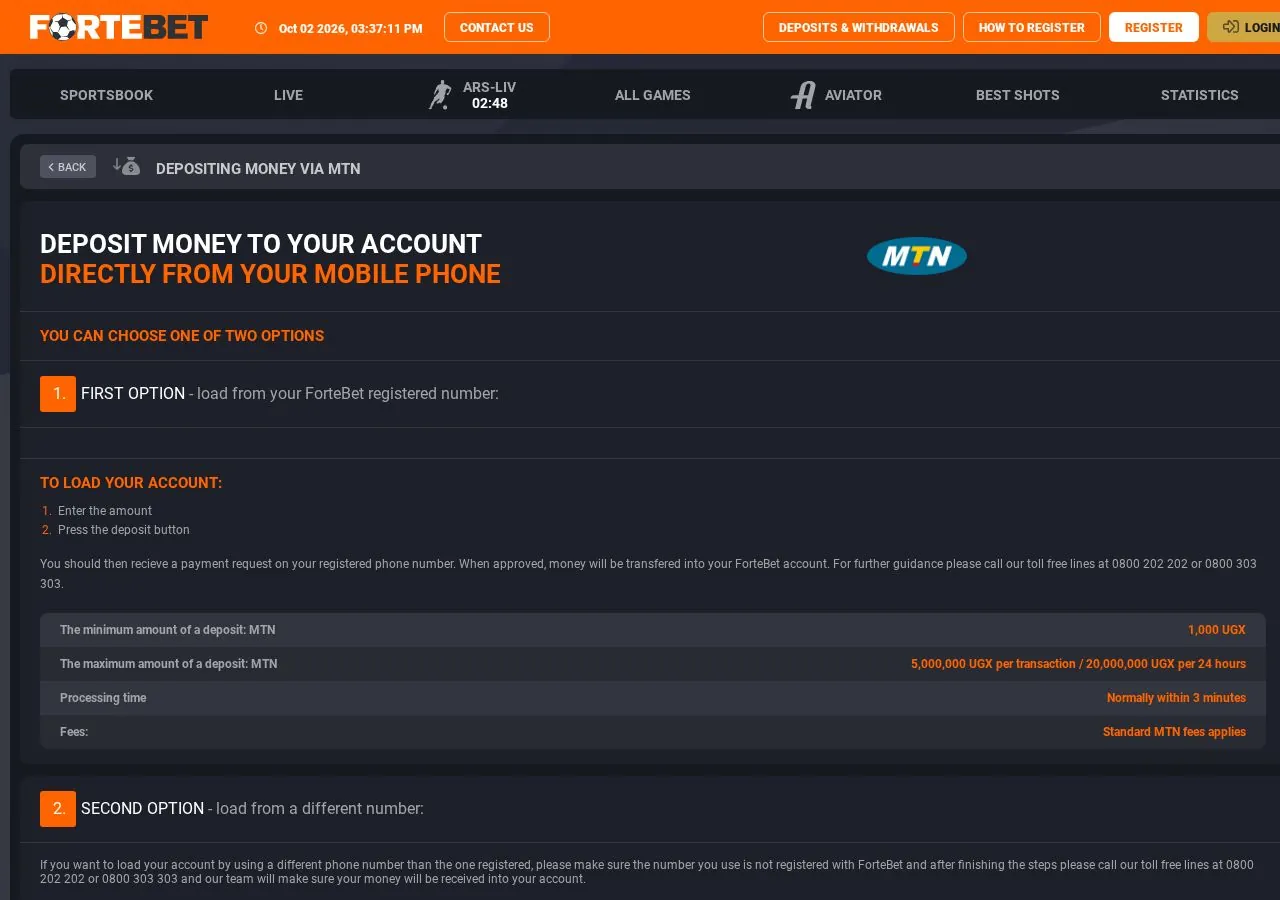
Desktop and mobile use the same account details. The steps differ only in where the buttons sit.
The desktop version shows the sportsbook, slots and account pages in one wide layout. After login you see your balance. From there you can deposit, withdraw or open your bet history.
The mobile site menu lists Login, Deposit Money, Withdraw Money, Sportsbook, Odds and Account. It loads fast on weak connections. The operator also lists a Mobile app. Details on installation are on the Fortebet app and mobile site page.
No account yet? Then login will not work. Create one first with our registration guide. It takes a few minutes.
Tip: let your browser remember the address, not the password, on shared phones.
Most login failures come from one thing: a wrong password. Recovery is usually quick if your contact details are current.
What to do first:
What this means in practice: the reset goes to the phone number or email linked to your account. If you no longer use that number, the reset will not reach you. In that case support has to verify you. Prepare your name, registered phone number and, if asked, an ID document.
After a reset, choose a new password. Do not reuse an old one. Use at least eight characters with letters and numbers. I keep betting passwords different from email passwords. This limits damage if one service leaks.
Too many wrong attempts can block access for a while. Wait before trying again. Repeated guessing only extends the block.
Tip: keep the phone number on your account active, it is your recovery key.
Five problems cover most failed logins. Each has a simple first fix.
What this means in practice: start with the cheapest check. Confirm the address first. Then try another browser. Only after that contact support.
Some problems appear after login. Your balance may look different than expected. Deposits on the Ugandan site are credited instantly, according to the operator. The operator also states a transaction can be cancelled within 10 minutes if there is a mistake. If money is missing, check your transaction history first. Our deposits and withdrawals guide explains limits and methods.
A bonus that does not show after login is a separate case. Offers often need activation or a qualifying deposit. The figure of 100% up to ₦100,000 at the top of this page is a typical first deposit offer for the Nigerian market. I could not confirm the exact Fortebet amount in official documents, so check the terms on the site. Wagering rules, minimum deposit and expiry dates decide how a bonus works. Our Fortebet bonus overview lists what to check.
Tip: take a screenshot of any error message before you contact support.
Your account holds money and personal data. Four habits protect it.
What this means in practice: nobody from support needs your password. A message asking for it is a scam. The same applies to people offering "fixed" odds or account boosts.
Watch for links in SMS or social media. They may lead to copy sites. Type the address yourself. I check the domain every time on a new device.
Responsible play is also part of security. The operator states that no minors are allowed. It also warns that betting is addictive and can be psychologically harmful. Set your own budget before you log in. Stop when you reach it. Betting should stay entertainment, never a way to earn money.
After a secure login you can browse the sportsbook or the slots and live casino section. Your session stays active until you log out or it times out.
Tip: if you notice an unknown bet, change your password at once and tell support.
The operator lists three contact channels on its contact page. They are published on the Ugandan site.
What this means in practice: toll free numbers are local Ugandan lines. From Nigeria, email or WhatsApp is the practical option. The Nigerian site may list its own contacts. Check fortebet.ng first, as the local page has priority.
Write a clear message. Support solves access cases faster with full details:
Do not send your password. Support will never need it. Site language is English, so write in English for the fastest reply. Short answers to common questions are collected on our Fortebet FAQ page.
Tip: write from the email or number linked to your account, it speeds up verification.
Use fortebet.ng, the site for players in Nigeria. Log in on the same site where you registered.
Country versions may run separate accounts. Use the site where you signed up and ask support if unsure.
The operator lists a Mobile app on its site. You can also log in through the mobile site in any browser.
Use the reset option on the login form. If the reset does not arrive, contact support with your registered details.
Repeated wrong attempts or a security check can block access. Wait a little, then contact support if it continues.
100% up to ₦100,000 is a typical first deposit offer in Nigeria. Check the current amount and terms on the official Fortebet site.
Email [email protected] or WhatsApp +256 783 125 655 are listed for contact from abroad. Check fortebet.ng for local contacts too.
Only adults aged 18 and over. The operator states that no minors are allowed.